

A real-time creative workspace for generating and refining images, video and 3D assets in one place, with fast iteration loops that suit day-to-day product design work.
📝 Tool Overview
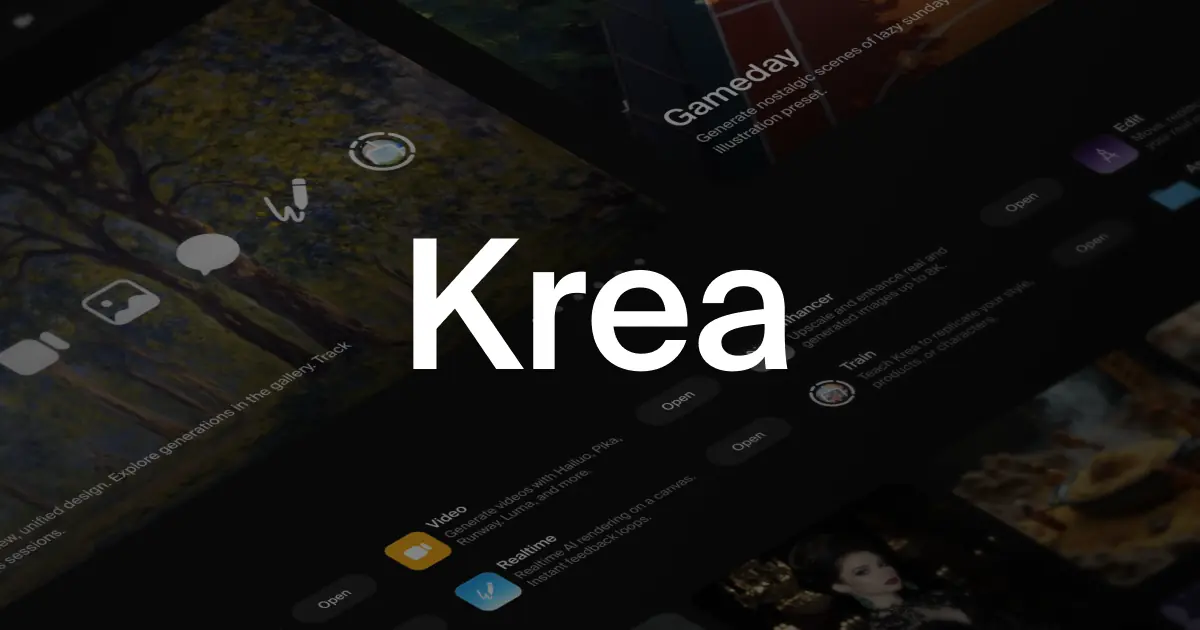
This is a browser-based creative AI suite designed to help teams generate, edit, and improve visual assets across images, video, and 3D. The core problem it addresses is speed and continuity: instead of bouncing between separate tools for prompting, upscaling, styling, and variations, you can iterate in a tighter loop and keep outputs closer to “usable in product” quality.
For product teams, that means quicker concept exploration, faster asset production for prototypes and marketing handoffs, and a more fluid way to trial styles without committing to heavyweight pipelines too early.
💡 Key Features
- Multi-format creation in one suite: generate, edit, and enhance images, video, and 3D assets from a single workspace.
- Real-time tools geared for rapid iteration, helping you explore options quickly rather than waiting on long render cycles.
- Access to powerful models, implying flexibility to switch approaches depending on the task (style exploration, fidelity, enhancement).
- Enhancement workflow support (e.g. improving quality and usability of outputs) rather than only “generate once and export”.
- Collaboration-friendly workflows aimed at teams, not just solo creators.
- Start-for-free onboarding, lowering friction for trialling the tool inside an existing design process.
📌 Use Cases
- Product design concepting: generate UI-adjacent imagery, illustration directions, and visual language explorations to align stakeholders early.
- Prototype realism: produce high-quality images and short video snippets for clickable prototypes, vision demos, or product narrative decks.
- Design system marketing assets: create consistent campaign visuals for releases, feature announcements, or in-product education.
- 3D asset exploration: trial quick 3D directions for icons, feature hero imagery, or spatial UI concepts without heavy modelling effort upfront.
- PM storytelling: build sharper narrative artefacts for roadmaps and opportunity sizing by illustrating customer scenarios and future-state experiences.
- Leadership alignment: run collaborative style explorations to converge on brand-adjacent directions before engaging specialist production.
📊 Differentiators
- End-to-end creative coverage across images, video, and 3D in one product, which reduces tool switching and version sprawl.
- Real-time orientation: the experience is positioned around immediacy and iteration speed, which is closer to how designers actually explore.
- Workflow-first positioning (not just model-first): emphasis on editing, enhancing, and collaboration suggests a suite built for production habits, not one-off generations.
- Broad model access as a practical advantage: the ability to lean on different strengths for different tasks is valuable for teams aiming for consistent output quality.
💰 Pricing & Plans
The homepage indicates you can start for free, which is ideal for evaluation and piloting within a team. Specific paid tiers and inclusions aren’t clearly detailed in the provided homepage summary, so expect to confirm limits (credits, resolution, commercial use, and team features) once inside the product.
👍 Pros & 👎 Cons
- Pros: A single suite spanning images, video, and 3D is highly practical for product teams juggling multiple asset types.
- Pros: Real-time tooling supports the fast, exploratory cadence of design sprints and iterative stakeholder reviews.
- Pros: Strong fit for collaborative workflows, which matters when designers, PMs, and marketing are iterating together.
- Pros: “Generate + edit + enhance” positioning aligns better with production reality than tools focused only on prompting.
- Cons: Without clear plan details upfront, teams may find it harder to forecast cost, usage limits, or where collaboration features sit.
- Cons: Multi-format suites can trade depth for breadth; specialists may still prefer dedicated tools for high-end video or advanced 3D workflows.
- Cons: Output consistency and brand governance typically require process (style guides, prompt libraries, reviews), even with strong models.
🧠 Ai for Pro Verdict
From a Product Designer perspective, this is most compelling as a daily driver for rapid visual iteration: one place to explore directions, refine outputs, and keep momentum across image, video, and 3D needs. If your team regularly ships visual storytelling artefacts (prototypes, launch assets, product narratives), the suite approach should reduce friction and speed up alignment. Just validate pricing and collaboration controls early, especially if you’re rolling it out beyond a small design group.
